
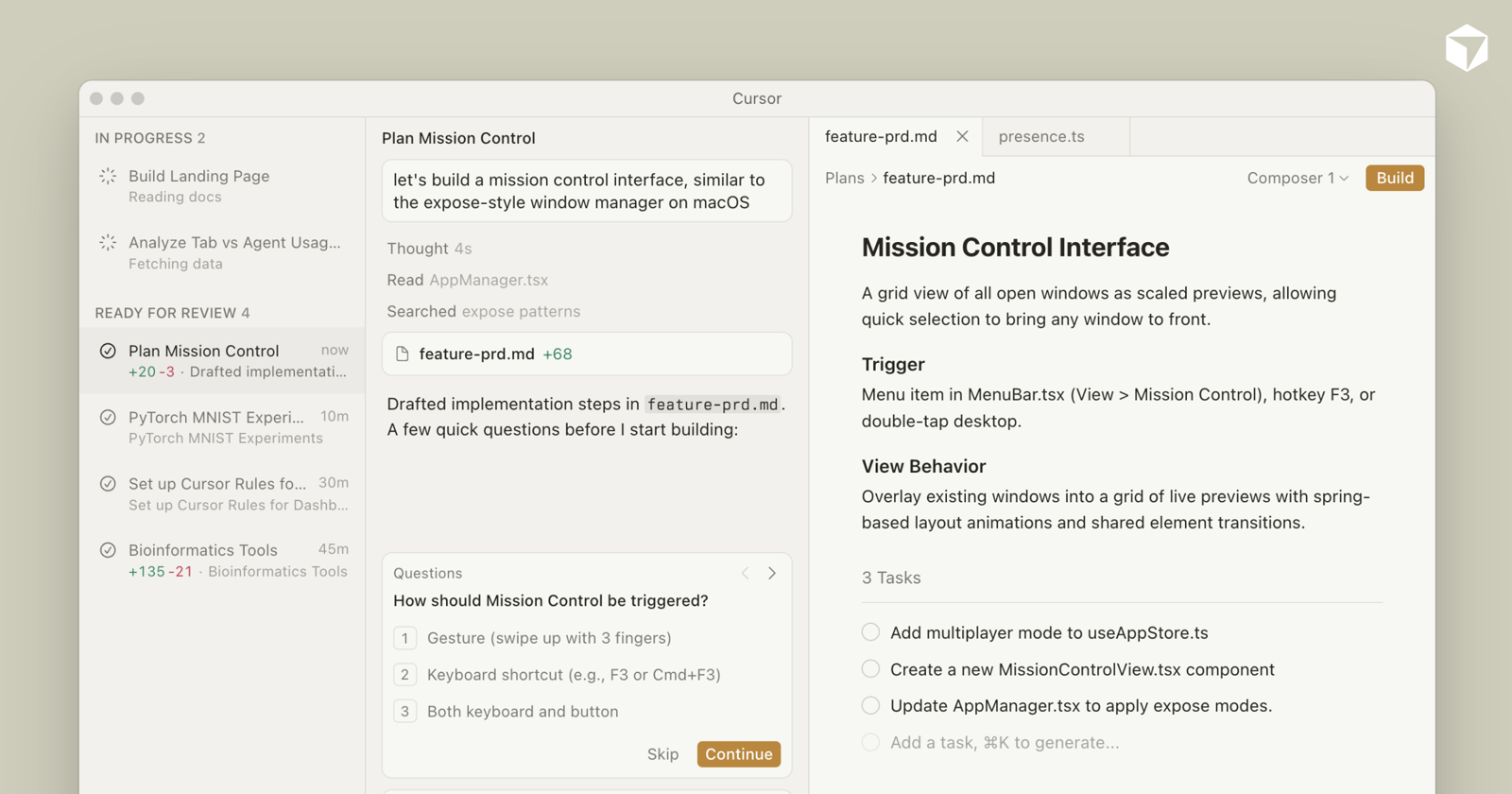
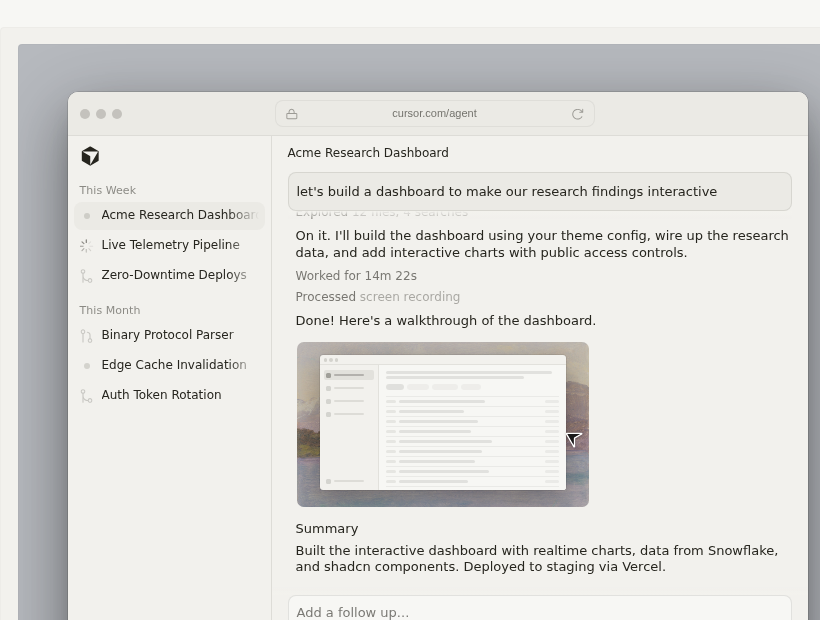
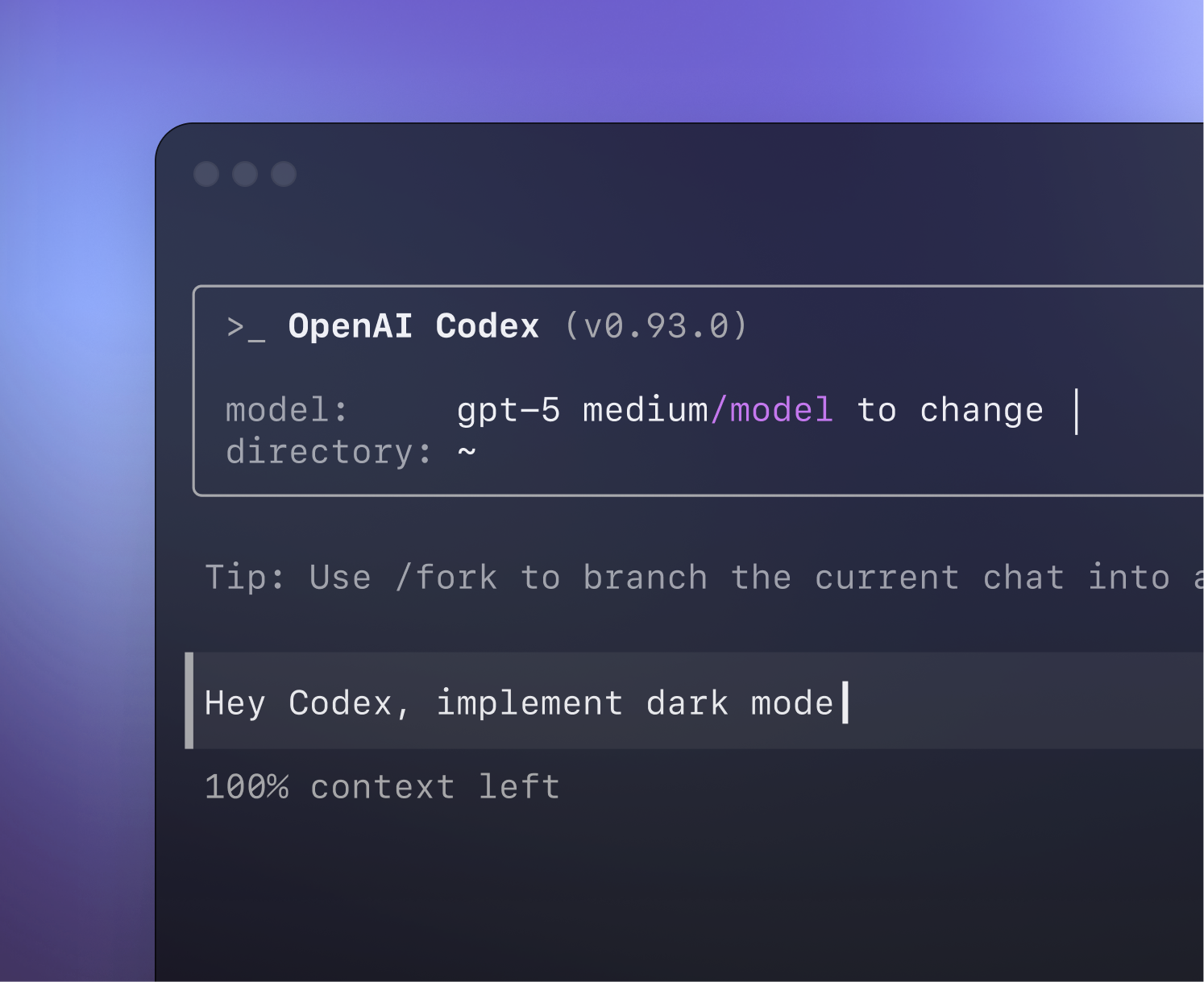
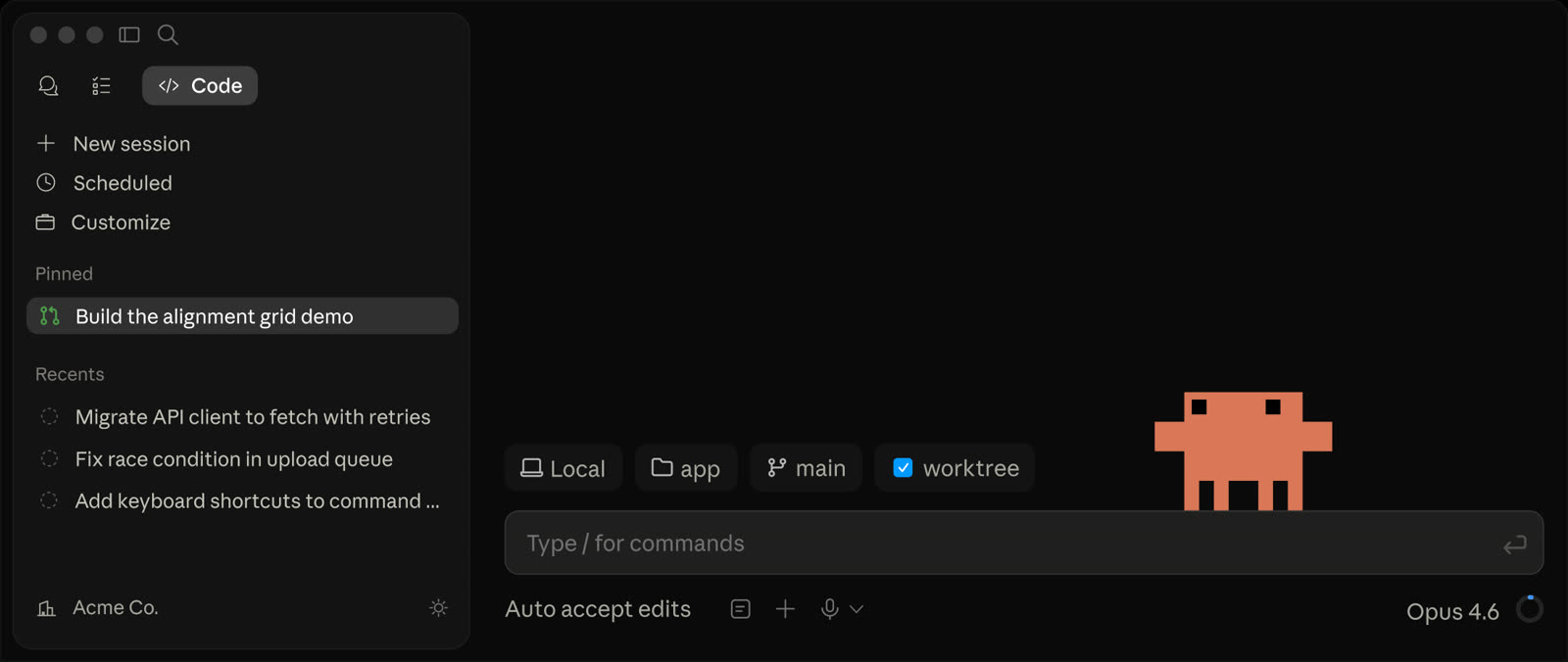
- In Cursor, use File → New Window → Clone repo (or the Clone repo option).
-
Paste
https://github.com/jensfossen/ez-ai-academy - In chat, type
/and chooseai-academy,ez-ai-academy, orstart, or ask to start EZ AI Academy.
EZ AI Academy
Learn AI where you work.
WorkLearnProgress
Harnesses
Start here
Expand a card. Each INSTALL.md has the full path.
- Clone the repo into Codex’s personal skills folder (
~/.codex/skills/ai-academy). - Restart Codex if the skill does not appear.
- Start with
Use $ai-academy to start a new learning journey.
Terminal
mkdir -p "$HOME/.codex/skills"
git clone https://github.com/jensfossen/ez-ai-academy.git "$HOME/.codex/skills/ai-academy"Windows PowerShell is in the setup guide.
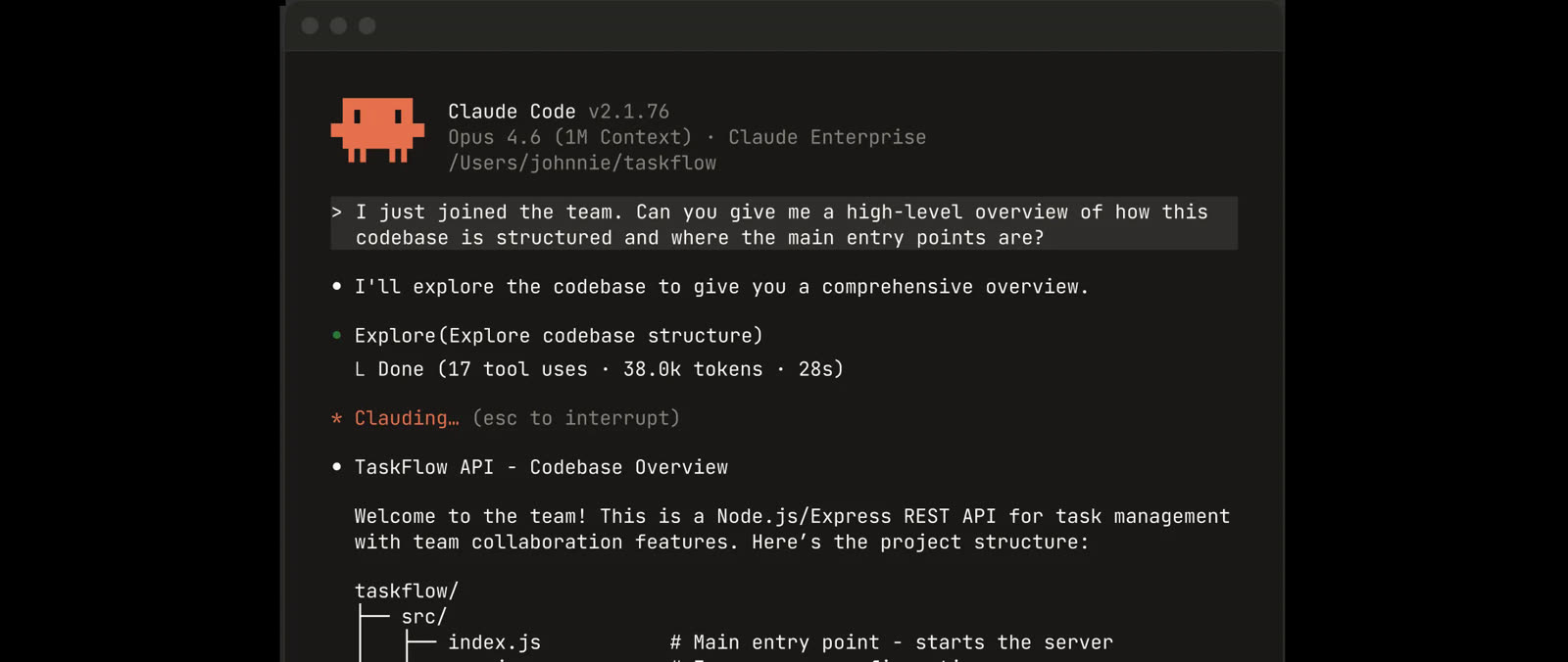
- Clone the repo into Claude’s user skills folder (
~/.claude/skills/ai-academy). - Restart Claude Code if you just created that folder.
- Start with
/ai-academy.
Terminal
mkdir -p "$HOME/.claude/skills"
git clone https://github.com/jensfossen/ez-ai-academy.git "$HOME/.claude/skills/ai-academy"Windows PowerShell is in the setup guide.
- Download packages/ai-academy-cowork.zip.
- In Cowork, open Customize → Skills.
- Next to Add, choose Upload skill and finish evaluation.
- Ask:
Start EZ AI Academy as a new learner.
OneDrive and mobile limits are in the setup guide.
In the repo
Maturity map A map of what is in the repository. Learning happens in a harness session, not on this page.
- 1 · In repo Foundations What is an LLM?
- 2 · In repo Prompt Engineering Direct, test, improve
- 3 · In repo Context Engineering Assemble the information set
- 4 · In repo Agents and Harness Shape the setup around a model
- 5 · In repo Loop Engineering Measure, change one thing, stop
Optional companions in the repo (not numbered): Models landscape and Graph Engineering.